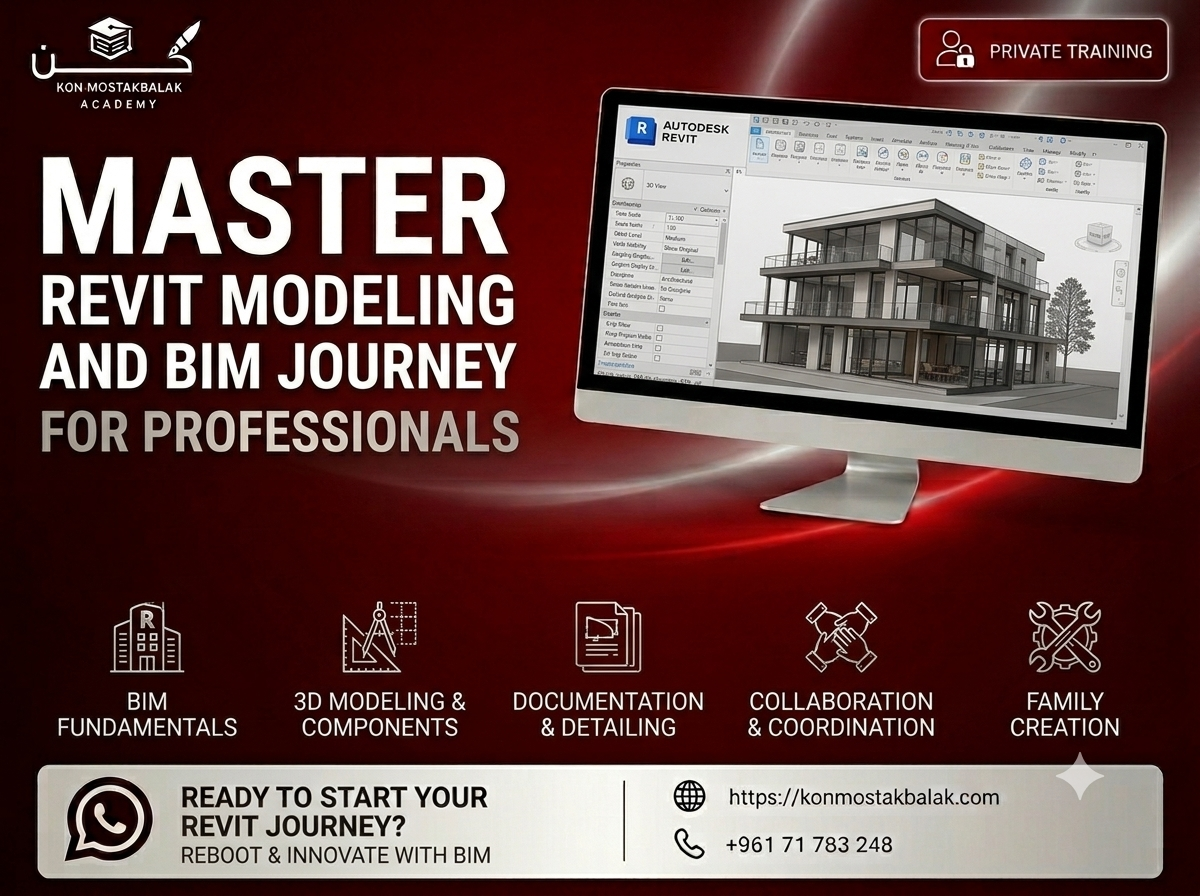
Revit MEP : BIM & Building Systems Design
About this course
Learn to Design, Coordinate, and Document MEP Systems
Develop practical BIM skills and learn how to design, coordinate, and document mechanical, electrical, and plumbing systems using Revit MEP.
This hands-on course takes you through the complete MEP workflow, starting with the Revit interface and project setup and progressing to HVAC, electrical, and plumbing systems.
You'll learn how to create intelligent 3D models, work with linked architectural models, coordinate different disciplines, identify clashes, and produce clear project documentation.
The training is built around practical project work, giving you experience with workflows that are commonly used in engineering, construction, and building design.
By the end of the course, you'll have the skills to develop coordinated MEP models and prepare the documentation needed for project delivery.
What You Will Learn
Revit MEP Fundamentals
- Understand the Revit interface
- Set up and organize an MEP project
- Work with levels and views
- Manage model structure and project information
- Understand the basics of working within a BIM environment
BIM Coordination
- Understand how BIM supports building projects
- Link architectural models into Revit
- Coordinate MEP systems with architectural elements
- Work across different disciplines
- Identify and resolve coordination issues
HVAC and Mechanical Systems
- Design basic HVAC systems
- Model ducts and fittings
- Add and connect mechanical equipment
- Create air distribution systems
- Organize mechanical systems within the model
Electrical Systems
- Create lighting systems
- Model power systems
- Work with electrical panels
- Place electrical fixtures and devices
- Connect and organize electrical systems
Plumbing Systems
- Model plumbing systems
- Create piping networks
- Place and connect plumbing fixtures
- Work with pipes and fittings
- Organize different plumbing systems within the model
Clash Detection and Coordination
- Understand the purpose of clash detection
- Identify conflicts between different systems
- Review coordination issues
- Make changes to resolve clashes
- Improve coordination between architectural and MEP models
BIM Documentation
Learn how to turn your model into clear and professional project documentation.
You'll work with:
- Tags
- Schedules
- Sheets
- Views
- Annotations
- Model information
- Project documentation
Project Delivery
- Prepare models for delivery
- Export project information
- Organize project files
- Understand common BIM deliverables
- Follow practical project documentation workflows
Course Modules
1. Revit MEP Fundamentals and Setup
Learn the Revit interface, project setup, levels, views, and basic model organization. You'll also learn how to approach an MEP project within a BIM environment.
2. Mechanical Systems and HVAC
Create and manage HVAC systems, including ducts, fittings, equipment, and air distribution.
3. Electrical Systems Design
Build lighting and power systems, work with electrical panels and components, and organize your electrical model.
4. Plumbing Systems Modeling
Create plumbing networks, model pipes and fittings, connect fixtures, and organize the plumbing system within the project.
5. Documentation, Coordination and BIM Workflows
Bring the different disciplines together, identify coordination issues, prepare documentation, and organize the project for final delivery.
What You Will Gain
- Practical understanding of the BIM workflow
- Experience using Revit MEP
- Ability to model mechanical, electrical, and plumbing systems
- Experience coordinating different building disciplines
- Clash detection and coordination skills
- Knowledge of BIM documentation
- Practical project experience
- Understanding of project delivery workflows
- Certificate of Completion
Who Is This Course For?
This course is suitable for:
- Mechanical engineering students
- Electrical engineering students
- Civil engineering students
- MEP engineers
- BIM beginners
- BIM professionals looking to strengthen their skills
- Architects interested in BIM coordination
- Anyone interested in construction and building systems
Why Learn Revit MEP and BIM?
Modern building projects involve multiple teams and disciplines working together. BIM provides a way to coordinate these disciplines, manage project information, and identify potential problems before construction.
Revit MEP allows you to create detailed models of building systems while keeping the different disciplines connected and coordinated.
This training focuses on the practical side of BIM. You'll not only learn the Revit tools, but also understand how MEP systems are modeled, coordinated, documented, and prepared for project delivery.
Training Features
- Private Training
- Flexible Schedule
- Real Project-Based Learning
- Hands-On Exercises
- Practical BIM Workflows
- Certificate Included
Ready to Start?
If you want to build practical Revit MEP and BIM skills through hands-on project work, this course will give you a strong foundation for working with MEP systems and building projects.
Contact us via WhatsApp to learn more about the training, ask your questions, and register.
Learn BIM. Design MEP systems. Build practical Revit skills.
Ready to enroll?
Secure your seat in a couple of taps. Choose how you'd like to pay and we'll guide you through the rest.
- Whish phone
- 71783248
Contact us via WhatsApp to arrange payment.
After paying, please send us the receipt via WhatsApp to confirm your enrollment.
Other courses you might like
SolidWorks Essentials : From Beginner to Professional
AutoCAD for Electrical Engineering (2D & Professional Drafting)