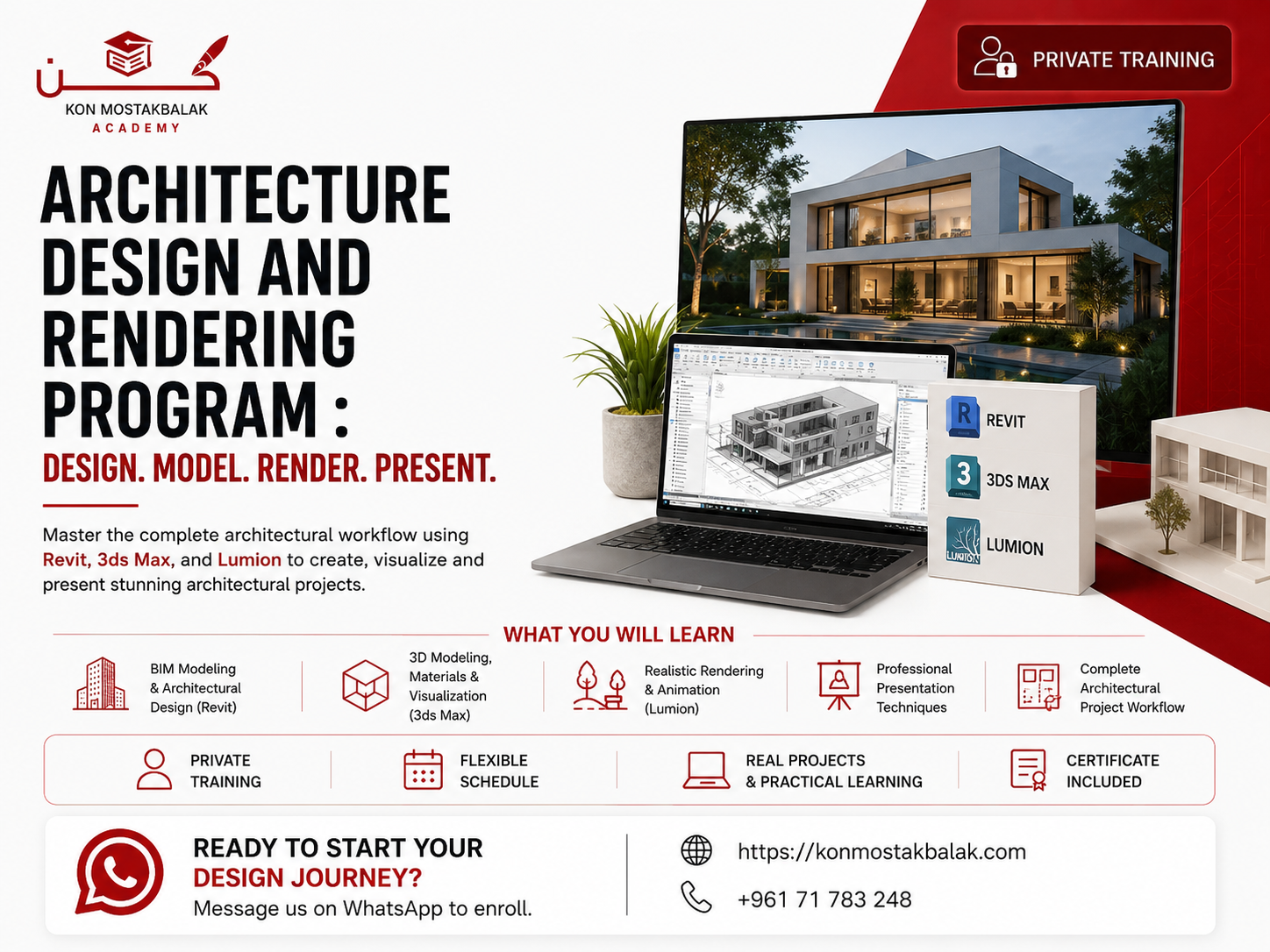
Architecture Design and Rendering Program
About this program
Master Revit, 3ds Max, and Lumion
Develop the practical skills needed to design, model, visualize, and present complete architectural projects using some of the most widely used tools in architectural design and visualization.
This intensive program combines Revit, 3ds Max, and Lumion to take you through the architectural workflow from BIM modeling and project documentation to advanced 3D modeling, realistic rendering, animation, and final presentation.
You'll learn through hands-on exercises and practical projects, giving you the opportunity to apply each software tool as part of a complete architectural workflow.
By the end of the program, you'll have experience creating architectural models, developing detailed 3D scenes, producing realistic visualizations, and presenting a complete project in a professional format.
What You Will Learn
Revit – BIM and Architectural Design
- Understand the Revit interface and workflow
- Create accurate architectural BIM models
- Work with levels, grids, and building elements
- Model walls, floors, roofs, doors, and windows
- Create stairs and other architectural components
- Organize views and project information
- Create architectural drawings and documentation
- Prepare sheets and schedules
- Develop a complete building model
3ds Max – Advanced 3D Modeling
- Understand the 3ds Max interface
- Build detailed architectural models
- Work with Editable Poly modeling
- Use modifiers and modeling techniques
- Create furniture and architectural details
- Develop detailed interior and exterior scenes
- Prepare models for visualization and rendering
Materials and Textures
- Create realistic architectural materials
- Work with wood, glass, metal, concrete, stone, and other surfaces
- Apply textures correctly
- Understand UV mapping
- Adjust material properties
- Create more realistic surfaces for interior and exterior scenes
Lighting and Rendering
- Understand natural and artificial lighting
- Create realistic lighting setups
- Work with shadows and reflections
- Set up cameras and compositions
- Prepare scenes for high-quality rendering
- Develop a consistent visualization workflow
Lumion – Architectural Visualization
- Import models into Lumion
- Create realistic environments
- Work with materials and textures
- Add landscaping and vegetation
- Set up lighting and weather effects
- Create exterior and interior scenes
- Produce architectural images and animations
Presentation and Visualization
- Choose effective camera angles
- Create professional architectural compositions
- Present design concepts clearly
- Produce images suitable for portfolios and presentations
- Create walkthroughs and animations
- Prepare a complete architectural presentation
Program Modules
1. Revit – 15 Hours
Build a strong foundation in architectural BIM and learn how to create, organize, and document complete building models.
You'll work through the architectural workflow from project setup and modeling to drawings, views, schedules, and final documentation.
2. 3ds Max – 15 Hours
Move from BIM modeling into detailed 3D visualization.
Learn how to create and refine architectural models, develop realistic scenes, apply materials, set up cameras, and prepare your project for professional rendering.
3. Lumion – 15 Hours
Turn your architectural models into complete visual presentations.
Learn how to create environments, apply materials, work with lighting and atmosphere, build landscaping, and produce realistic images and animations.
4. Final Integrated Project
Bring everything together in one complete architectural project.
You'll work through the process of:
- Developing the architectural model
- Preparing the 3D scene
- Applying materials
- Setting up lighting
- Creating the environment
- Producing final renders
- Creating presentation images
- Preparing the project for your portfolio
What You Will Gain
- Practical Revit skills
- 3ds Max modeling experience
- Lumion visualization skills
- Understanding of the complete architectural workflow
- Experience with architectural BIM modeling
- Advanced 3D modeling fundamentals
- Materials, lighting, and rendering knowledge
- Experience creating architectural animations
- Professional presentation skills
- A portfolio-ready architectural project
- Certificate of Completion
Who Is This Program For?
This program is suitable for:
- Architecture students
- Architecture graduates
- Interior designers
- Civil engineers
- Aspiring architectural visualizers
- Freelancers
- Design enthusiasts
- Beginners interested in architectural visualization
- Anyone looking to develop professional architectural design and rendering skills
Why Learn Revit, 3ds Max, and Lumion?
Each software plays a different role in the architectural workflow.
Revit helps you create accurate BIM models and professional architectural documentation.
3ds Max gives you greater control over detailed 3D modeling and visualization.
Lumion allows you to turn your models into realistic environments, images, and animations.
Learning these tools together gives you a broader understanding of the process, from developing the architectural design to producing the final visual presentation.
Training Features
- 45 Hours of Intensive Training
- 15 Hours of Revit
- 15 Hours of 3ds Max
- 15 Hours of Lumion
- Hands-On Practical Exercises
- Real Project-Based Learning
- Final Integrated Portfolio Project
- Professional Certificate Included
Ready to Start?
If you want to develop practical architectural design and visualization skills and learn how different software tools fit together in a complete workflow, this program will give you a structured path from BIM modeling to final presentation.
Contact us via WhatsApp to learn more about the program, ask your questions, and register.
Design it. Model it. Visualize it. Present it.