3ds Max for Architects : Photorealistic Visualization
About this course
Learn to Create Realistic Architectural Visualizations
Learn how to turn architectural designs into realistic, high-quality visualizations using 3ds Max and professional rendering workflows.
This course is designed for architecture students, interior designers, and anyone interested in architectural visualization. You'll start with the basics of 3ds Max and gradually move into 3D modeling, materials, lighting, cameras, and rendering.
The training is focused on practical projects, giving you the opportunity to build realistic interior and exterior scenes while learning techniques commonly used in professional visualization work.
By the end of the course, you'll be able to create polished architectural renders suitable for client presentations, portfolios, and professional projects.
What You Will Learn
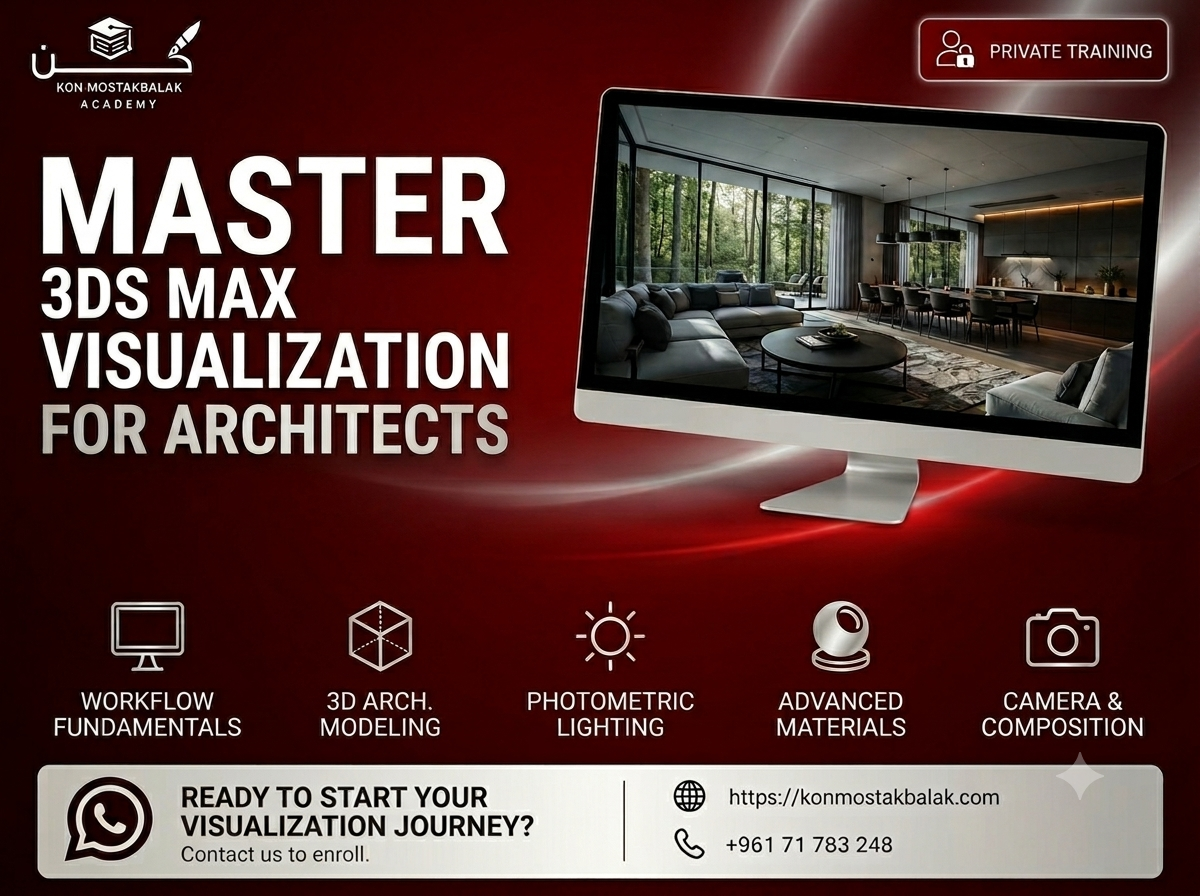
3ds Max Fundamentals
- Understand the 3ds Max interface
- Learn the basic tools and navigation
- Set up projects and scenes
- Understand an efficient architectural visualization workflow
- Organize and manage your scene properly
Architectural 3D Modeling
- Create architectural elements in 3D
- Model walls, floors, ceilings, doors, windows, and furniture
- Work with Editable Poly modeling
- Use modifiers effectively
- Create detailed models while keeping scenes manageable
Materials and Textures
Learn how to create realistic materials for different surfaces, including:
- Wood
- Glass
- Metal
- Concrete
- Stone
- Fabric
- Other architectural materials
You'll also learn:
- UV mapping
- Texture placement
- Material Editor workflows
- Adjusting material properties for realistic results
Lighting
Learn how lighting affects the appearance and realism of an architectural scene.
You'll work with:
- Natural lighting
- Artificial lighting
- Interior lighting
- Exterior lighting
- Photometric lighting
- Realistic shadows
- Light balance and exposure
Cameras and Composition
- Set up professional cameras
- Choose appropriate camera angles
- Understand composition
- Frame interior and exterior scenes effectively
- Create images that communicate the design clearly
Rendering
Learn how to prepare scenes and produce high-quality renders using professional rendering workflows such as:
- V-Ray
- Corona Renderer
You'll explore render settings, lighting, materials, and scene optimization to achieve realistic results.
Post-Processing
- Improve your final renders
- Make basic color and exposure adjustments
- Enhance lighting and atmosphere
- Prepare final images for presentations and portfolios
Course Modules
1. Interface and Project Setup
Get familiar with 3ds Max and learn how to properly set up and organize an architectural visualization project.
2. 3D Modeling Fundamentals
Learn how to create and modify architectural elements and build complete interior and exterior scenes.
3. Materials and Texturing
Learn how to create realistic materials, apply textures, and control surface properties to achieve convincing results.
4. Lighting Techniques
Explore natural and artificial lighting and learn how to create realistic illumination and shadows.
5. Cameras and Composition
Learn how to position cameras, frame your scenes, and create strong compositions for architectural presentations.
6. Rendering and Visualization
Bring everything together by preparing your scene, setting up your render, and producing a finished architectural visualization.
What You Will Gain
- Practical 3ds Max skills
- Photorealistic rendering techniques
- Experience with professional visualization workflows
- Understanding of architectural materials and lighting
- Camera and composition skills
- Experience creating interior and exterior visualizations
- Portfolio-ready projects
- Professional presentation skills
- Certificate of Completion
Who Is This Course For?
This course is suitable for:
- Architecture students
- Architects
- Interior designers
- 3D visualization beginners
- Designers interested in architectural rendering
- Professionals looking to improve their visualization skills
- Anyone interested in creating realistic architectural images
Why Learn Architectural Visualization?
Architectural visualization is an important part of presenting a design. A well-made render can help clients understand a space, communicate design ideas, and present a project before it is built.
Learning 3ds Max and professional rendering techniques allows you to take a basic architectural model and turn it into a realistic visual presentation.
The focus of this training is not simply on learning software tools. You'll learn how modeling, materials, lighting, cameras, and rendering work together to create a convincing final image.
Ready to Start?
If you want to learn architectural visualization through practical projects and develop the skills needed to create realistic interior and exterior renders, this course will give you a strong foundation.
Contact us via WhatsApp to learn more about the training, ask your questions, and register.
Learn 3ds Max. Create realistic spaces. Build a professional visualization portfolio.
Ready to enroll?
Secure your seat in a couple of taps. Choose how you'd like to pay and we'll guide you through the rest.
- Whish phone
- 71783248
Contact us via WhatsApp to arrange payment.
After paying, please send us the receipt via WhatsApp to confirm your enrollment.