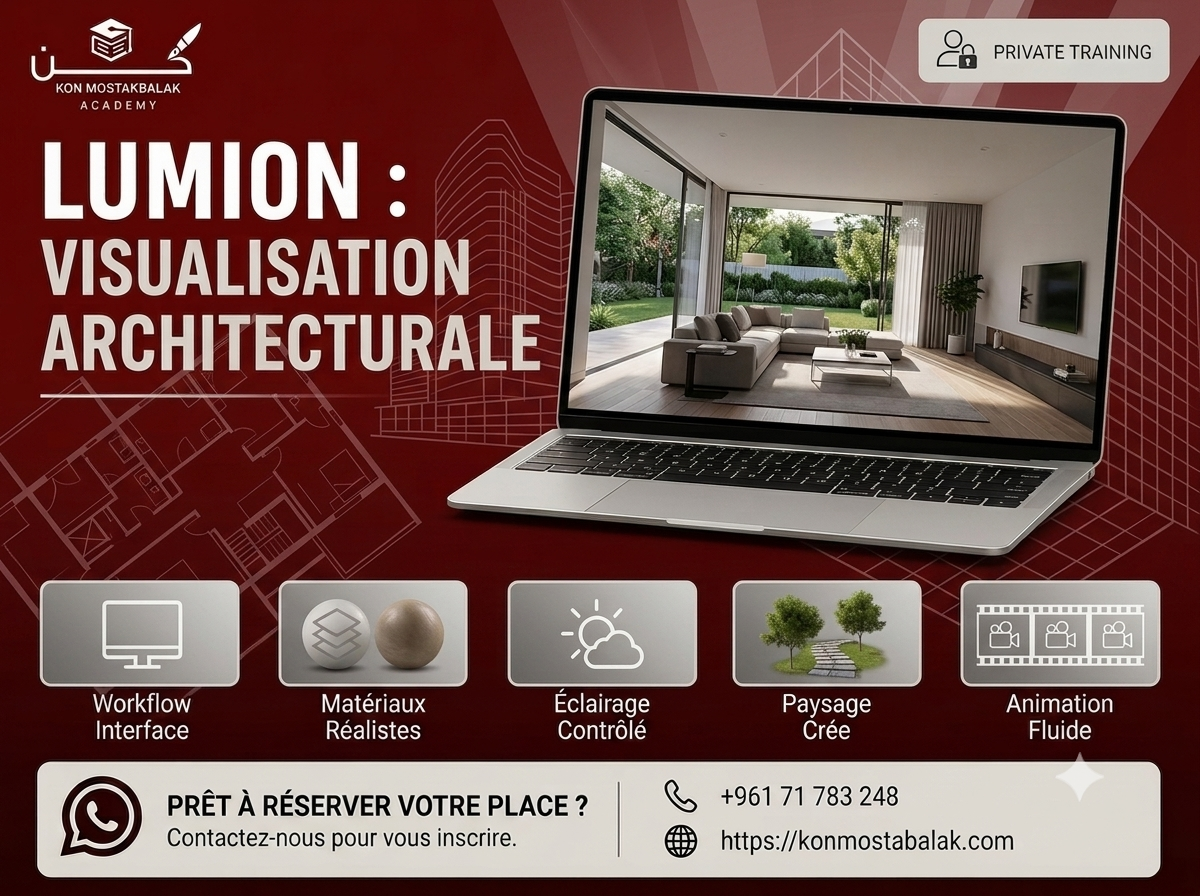
Lumion : Architectural Visualization & Rendering
About this course
Learn to Create Realistic Architectural Visualizations with Lumion
Learn how to turn your architectural models into realistic images, animations, and presentations using Lumion.
This hands-on course takes you through Lumion from the basics to more advanced visualization techniques. You'll learn how to import models from software such as Revit, SketchUp, and 3ds Max, create realistic materials and environments, set up lighting, and produce high-quality architectural renders.
The course is project-based, so you'll work on complete scenes and learn how to take a model from the initial setup all the way to a finished visual presentation.
By the end of the training, you'll be able to create realistic images and animations that can be used for client presentations, project presentations, and your professional portfolio.
What You Will Learn
Lumion Fundamentals
- Understand the Lumion interface
- Learn the main tools and features
- Set up and organize projects
- Develop an efficient visualization workflow
- Manage imported models and scenes
Importing 3D Models
Learn how to bring your existing architectural models into Lumion from:
- Revit
- SketchUp
- 3ds Max
You'll also learn how to organize and prepare your models for visualization.
Materials and Textures
- Apply realistic materials
- Work with textures
- Adjust surface properties
- Create realistic wood, glass, concrete, stone, metal, and other materials
- Improve the overall appearance of architectural elements
Environment and Landscaping
Build complete environments around your architectural models.
You'll learn how to work with:
- Terrain
- Vegetation
- Trees and plants
- Outdoor elements
- Roads and paths
- Background environments
- Weather and atmosphere
Lighting and Atmosphere
- Set up natural lighting
- Work with artificial lighting
- Adjust sunlight and shadows
- Create different moods and atmospheres
- Use weather and environmental effects
- Improve realism through lighting
Cameras and Animation
- Set up architectural cameras
- Choose effective camera angles
- Create camera movements
- Produce walkthroughs and animations
- Build smooth transitions between scenes
- Create more engaging architectural presentations
Rendering and Final Output
- Understand rendering settings
- Prepare scenes for final output
- Adjust image quality
- Improve lighting and visual effects
- Apply basic post-processing
- Export images and animations for presentations and portfolios
Course Modules
1. Lumion Interface and Workflow
Start with the Lumion interface and learn how to import, organize, and prepare your architectural models for visualization.
2. Materials and Textures
Learn how to create realistic surfaces and apply materials and textures that make your architectural models look more convincing.
3. Environment and Landscaping
Build complete environments around your projects using terrain, vegetation, landscaping elements, weather, and atmospheric effects.
4. Animation and Camera Movement
Learn how to create professional camera compositions, walkthroughs, and animations that communicate your designs effectively.
5. Rendering and Final Output
Bring the project together, adjust the final rendering settings, and produce finished images and animations suitable for presentations and portfolios.
What You Will Gain
- Practical Lumion skills
- Experience creating realistic architectural scenes
- Understanding of materials, lighting, and environments
- Camera and animation skills
- Experience producing architectural walkthroughs
- Photorealistic rendering techniques
- Portfolio-ready projects
- Practical visualization workflow
- Certificate of Completion
Who Is This Course For?
This course is suitable for:
- Architecture students
- Architects
- Interior designers
- 3D artists
- Visualization beginners
- Professionals looking to improve their presentation skills
- Anyone interested in architectural visualization
Why Learn Lumion?
A good architectural model shows what a project looks like. A good visualization helps people understand how the finished space will actually feel.
Lumion makes it possible to take an existing 3D model and turn it into a complete visual presentation with realistic materials, lighting, landscaping, environments, and animation.
This course focuses on the practical workflow behind architectural visualization. You'll learn how to build a scene, improve its realism, create strong camera views, and produce final images and animations that communicate your design clearly.
Training Features
- Private Training
- Flexible Schedule
- Real Project-Based Learning
- Hands-On Exercises
- Practical Architectural Visualization
- Certificate Included
Ready to Start?
If you want to learn Lumion and develop the skills needed to create realistic architectural images and animations, this course will give you a practical foundation through project-based training.
Contact us via WhatsApp to learn more about the training, ask your questions, and register.
Learn Lumion. Bring your designs to life. Create professional architectural visualizations.
Ready to enroll?
Secure your seat in a couple of taps. Choose how you'd like to pay and we'll guide you through the rest.
- Whish phone
- 71783248
Contact us via WhatsApp to arrange payment.
After paying, please send us the receipt via WhatsApp to confirm your enrollment.